1 module · 24 narrated lessons · interactive diagrams · a coding project with 8 tests
JavaScript for Complete Beginners
A first course in programming: store values, make decisions, repeat work, and bundle it all into functions over lists.
Topic typed in: “JavaScript for complete beginners”
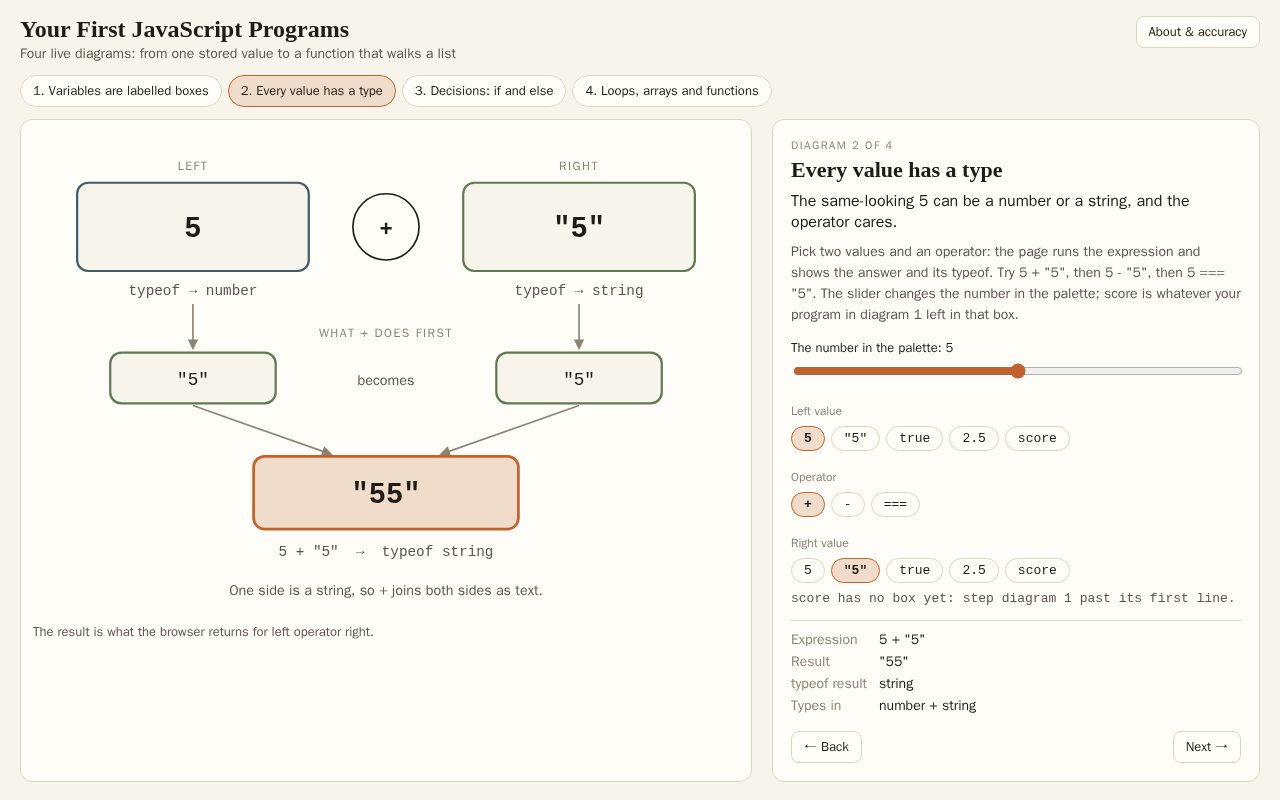 Your First JavaScript ProgramsFour live diagrams that run real JavaScript in the page. Step through a program and watch each variable's box fill, until refilling a const stops it with the browser's own error. Pick two values and an operator to see why 5 + "5" is "55", drag a temperature through an if/else, and watch a loop walk an array pass by pass.Open the live explorable (opens in a new tab)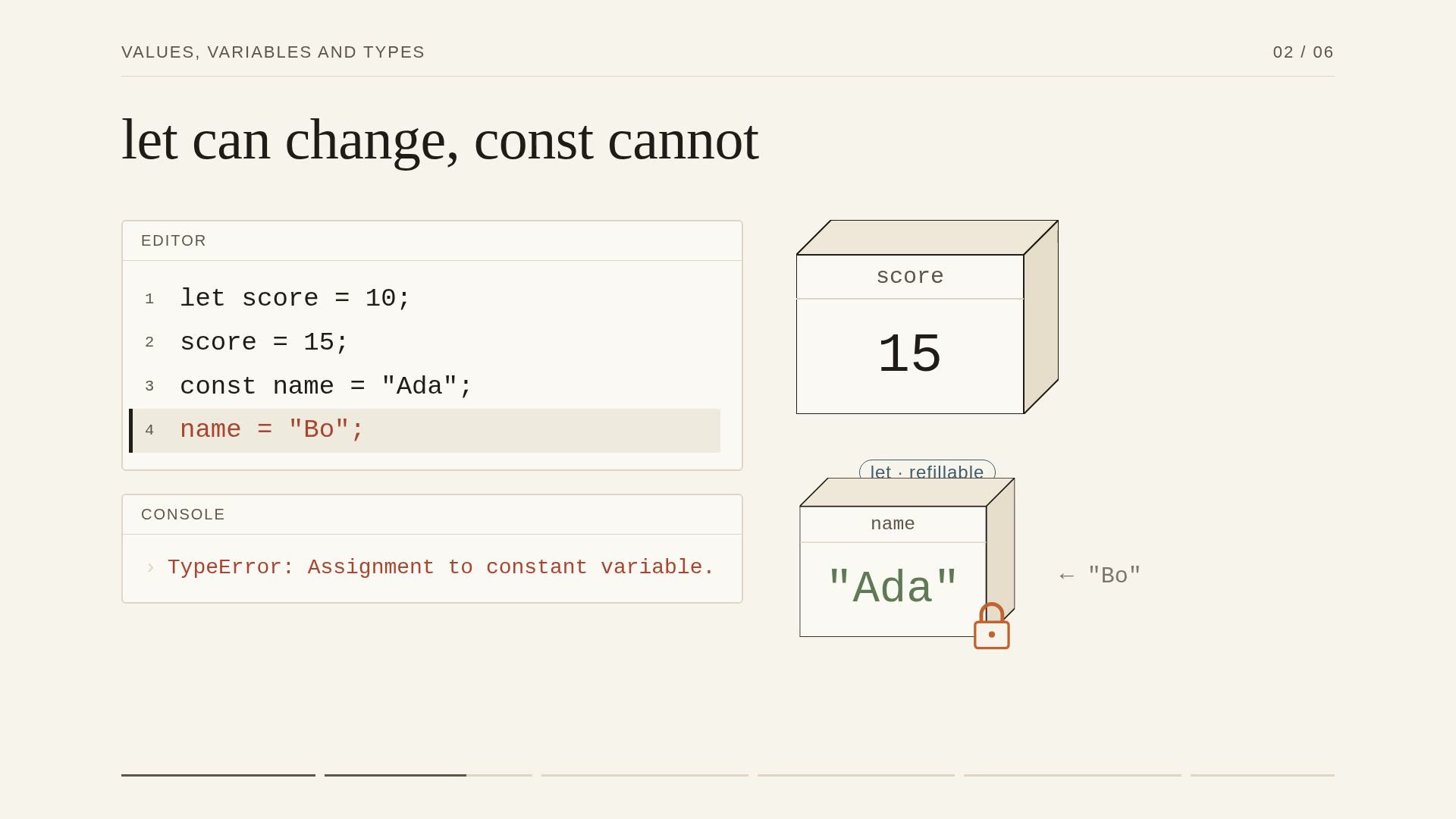
1. Values, Variables and Types
2:54 narrated video
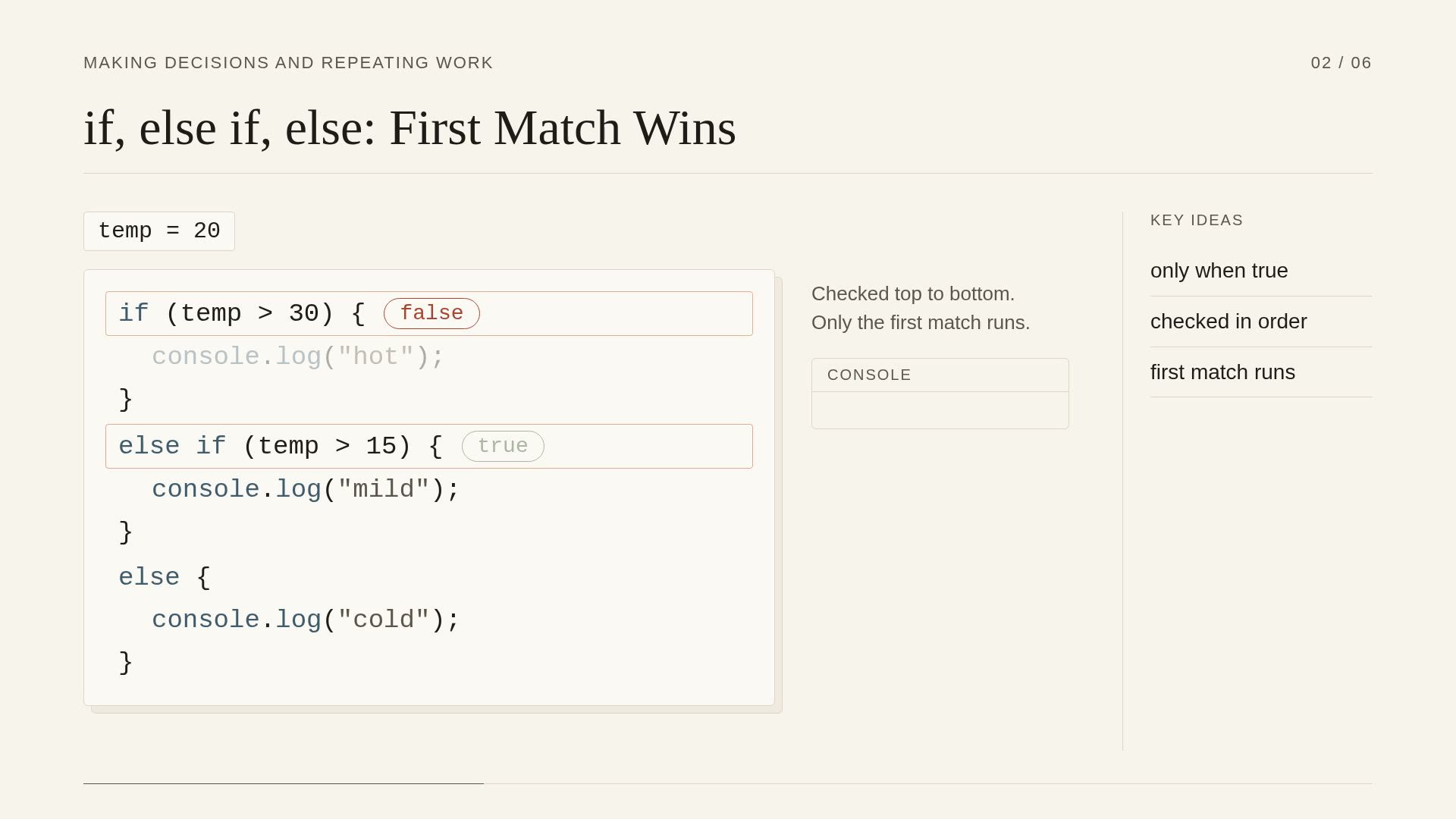
2. Making Decisions and Repeating Work
2:41 narrated video
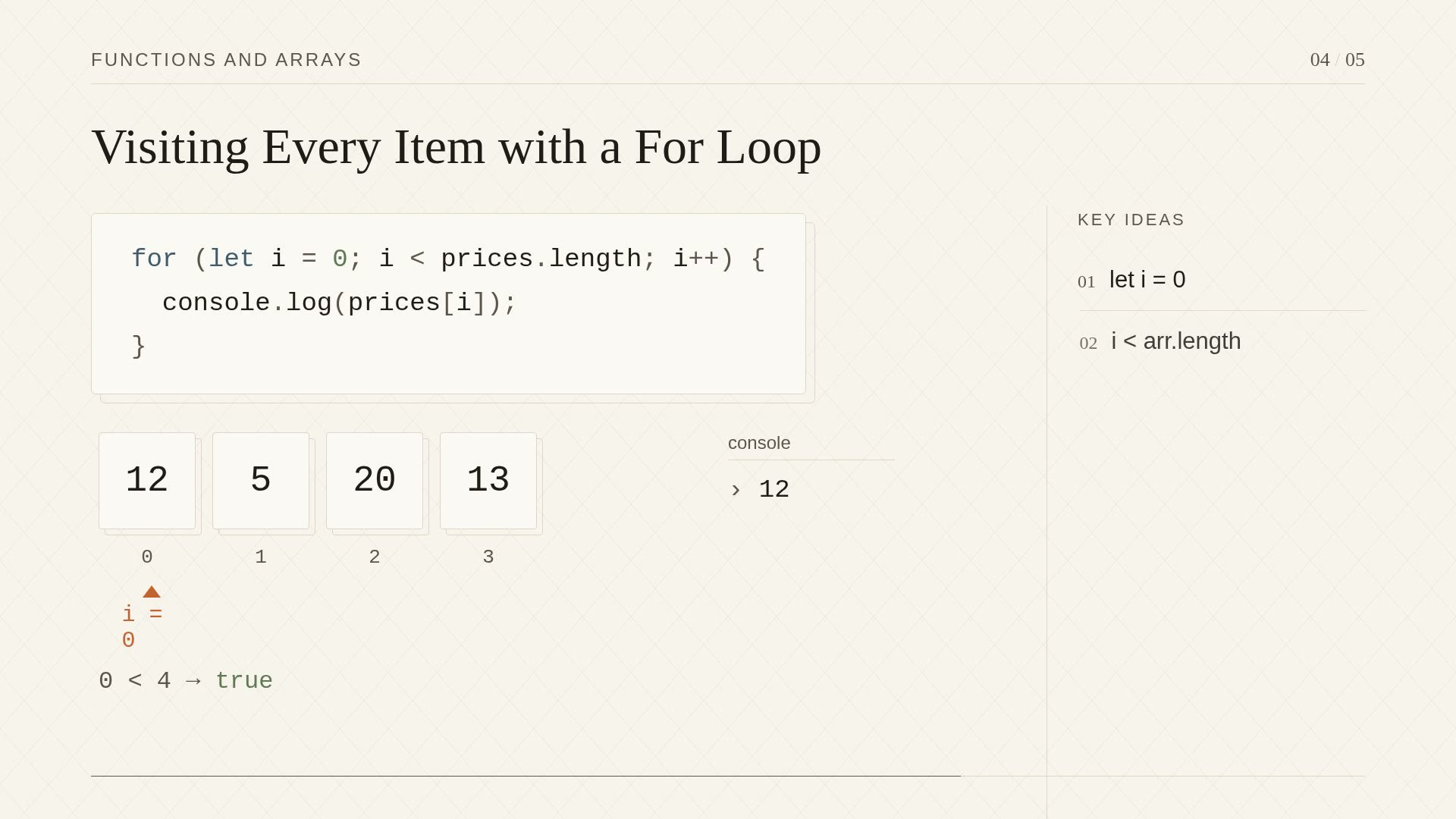
3. Functions and Arrays
2:02 narrated video
Build it yourself
Grade Book: Turn a List of Test Scores into a Report
The course's coding project: a small JavaScript program with 8 tests, which the generator ran against its own solution before keeping it. Write the code here and run the tests in your browser; nothing is sent anywhere.
A teacher has a list of test scores for each student, and every score is a number from 0 to 100. They want a small program that works out each student's average, gives it a letter grade and prints a one-line report. In this project you will build that program in gradebook.js. You will write five small functions. Each one uses something from the course: variables, if / else if / else, for loops over arrays, and functions that return a value. - average(scores): the mean of the scores. An empty list has an average of 0. - letterGrade(score): 90 and above is "A", 80 and above is "B", 70 and above is "C", 60 and above is "D", and anything lower is "F". - countPassing(scores): how many scores are 60 or more. - highest(scores): the biggest score in the list. An empty list gives 0. - report(name, scores): a line like "Ada: average 80, grade B". Work on one function at a time and run the tests after each one. If a result looks strange, console.log it, and log its typeof too.
- Write average: start a running total at 0, loop over the scores and add each one, then divide by the number of scores. Handle the empty list first.
- Write letterGrade with an if / else if / else chain. Check the highest grade first, and make sure a score of exactly 90, 80, 70 or 60 gets the better grade.
- Write countPassing: keep a counter, loop over the scores, and add one to the counter whenever a score is 60 or more.
- Write highest: return 0 for an empty list. Otherwise, start with the first score as the best so far, loop over the rest, and replace it whenever you find a bigger one.
- Write report by calling your average and letterGrade functions and joining the results into one string with +.
- Run all the tests. When one fails, read its hint and use console.log to check what your function really returns.
This course was generated from the one line “JavaScript for complete beginners”. Name your own topic and get a course built for it.
Start a courseMore examples
Other courses the generator built
- How Does a Computer Work?
1 module · 3 narrated lessons · 1 exploded view in 3D · 1 explorable
- Holding the Walls: Life Inside a Medieval Castle Under Siege
1 module · 3 narrated lessons · a 3D world · no exploded view
- Stoic Philosophy and How to Live by It
1 module · 3 narrated lessons · interactive diagrams · no exploded view
- How the Steam Train Works
1 module · 3 narrated lessons · 1 exploded view in 3D · 1 explorable
- How a Jet Engine Works
1 module · 3 narrated lessons · 1 exploded view · 1 explorable
- How Large Language Models Work
1 module · 4 narrated lessons · 1 explorable
- How a Four-Stroke Car Engine Works
1 module · 4 narrated lessons · 1 exploded view · 1 explorable
- How a Mechanical Watch Works
Lean introduction · 1 module · 2 narrated lessons